Most workload problems do not announce themselves in advance. They show up quietly — a project manager realising mid-sprint that two of their best people are already committed elsewhere, a team member working late every night while someone in the same team has empty afternoons, a delivery slipping because nobody had a clear picture of who had capacity when the work was being assigned.
Software that schedules and automates work is a growing category: Global Growth Insights estimates that the market for workload automation tools and software — used to schedule and run IT workloads — will grow from USD 4.35 billion in 2025 to USD 10.29 billion by 2035, an 8.99% CAGR. Managing the workload people carry is a different problem, and a simpler one to state: teams cannot manage what they cannot see.
Workload management software gives teams visibility into who is doing what, how much capacity they actually have, and where work needs to move before deadlines slip or people burn out. This guide covers what the software does, what to look for when choosing it, and how to get genuine value from it once it is in place.
What Is Workload Management Software?
Workload management software helps businesses plan, assign, and monitor work across team members, projects, and timelines. In practice, a workload management tool is used to support effective workload management across multiple projects. The best workload management software also connects workload planning with project management and time tracking, so you can see not only who is busy, but whether the work is aligned with deadlines, budgets, and team capacity.
For project-based teams — agencies, consultancies, and delivery teams managing multiple clients — this matters because the workload picture is never static. People move between projects. Scope changes. Leave gets approved. A client brings forward a deadline. Any of these shifts changes who has capacity and who does not, and if the only way to find out is to ask everyone in a team meeting, the answer is always going to be out of date by the time it is acted on.
Good workload management software makes the current picture visible without anyone needing to update a spreadsheet or send a status email. When an assignment changes, the workload view changes with it.
Why Workload Visibility Matters More Than Task Lists
There is an important distinction between task management and workload management that gets blurred when teams evaluate software.
Task management tracks what needs to be done — assignments, deadlines, status updates. It answers the question "what is this person working on?" Workload management answers a different question: "how much is this person actually carrying, and do they have room for more?"
Respondents to Deloitte's 2025 Global Human Capital Trends survey report that 41% of their time every day is spent on work that doesn't contribute to the value their organisation creates. Poor workload distribution can be part of that lost time — time spent context-switching between too many competing priorities, reworking assignments that were given to the wrong person, or recovering from burnout that better workload visibility could have prevented.
The difference between a team that delivers consistently and one that is always scrambling is rarely talent. It is usually planning — specifically, whether the people assigning work have an accurate picture of how much each person is carrying before they assign the next thing.
Workload management software provides that picture. It turns capacity from something you estimate into something you can see.
What to Look for in Workload Management Software
The features that matter most depend on the kind of workload problems your team is actually experiencing.
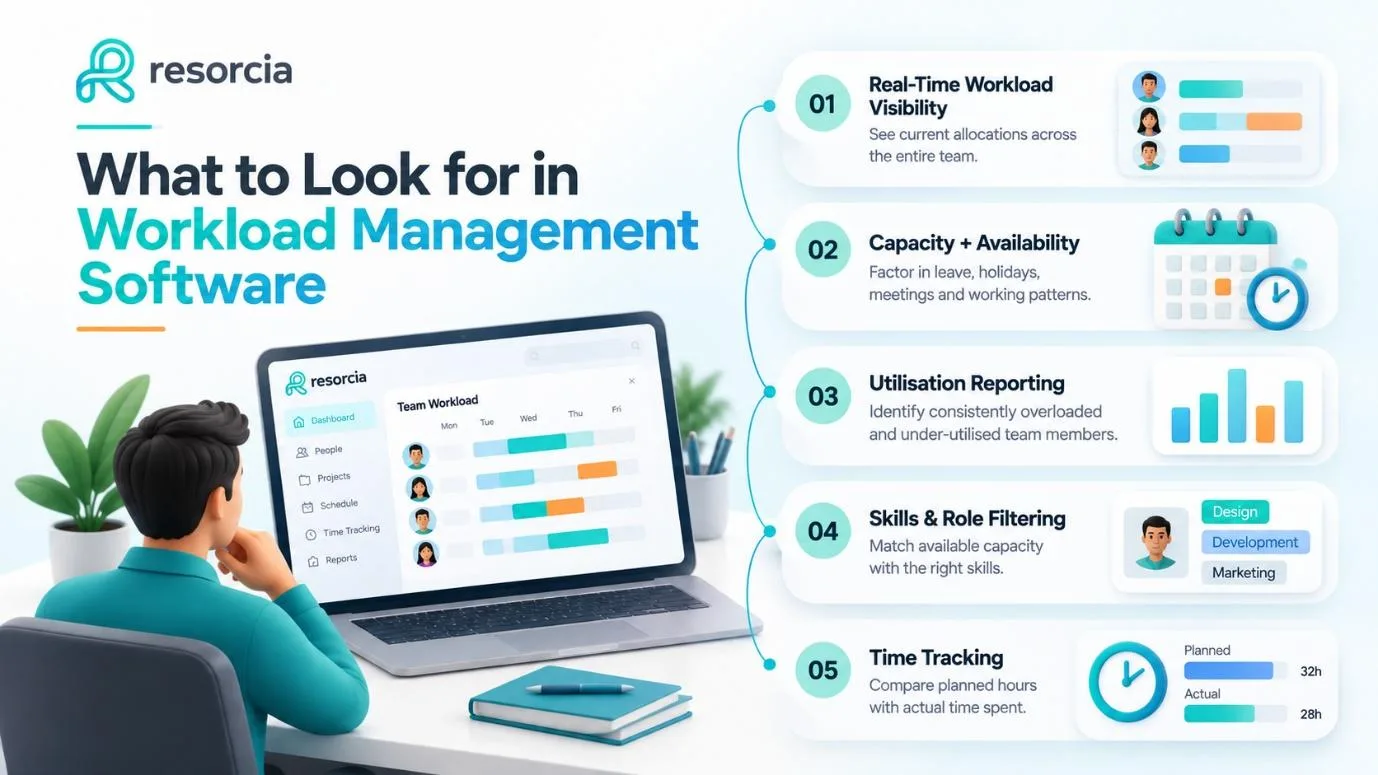
Real-Time Workload Visibility
The most fundamental requirement is a view that shows current allocation across the whole team — not last week's allocations or what was planned at the start of the month, but what is actually assigned right now. The best tools update workload views as assignments change, not after the fact.
Workload views like timelines and heatmaps are essential for spotting who is over capacity. Planning should be based on real availability — including working hours and PTO — because nominal headcount can overstate true capacity. A tool that shows eight hours of available capacity for someone who has four hours of meetings already blocked is not giving you a useful picture.
Capacity Planning Connected to Leave and Availability
Workload visibility without leave management is only half a picture. Someone's available hours on paper means nothing if half those hours are already taken by approved leave, public holidays, or recurring internal commitments.
The most useful workload management software connects resource assignments to actual availability — so when you are planning who can take on a project next month, the capacity figure already accounts for the leave that has been approved, the bank holidays in your region, and the part-time working pattern of each team member.
Utilisation Reporting
Workload data should be used to spread work more evenly and reduce dependency on the same high performers project after project. That requires more than a schedule view — it requires utilisation reporting that shows patterns over time, not just point-in-time snapshots.
Which team members are consistently over 100% utilisation? Which are habitually under-utilised? Which projects are absorbing more resource than planned? Utilisation reporting answers these questions with data rather than impressions, and it is what makes workload management something you can improve over time rather than just react to week by week.
Skills and Role Filtering
Assigning work based purely on who has hours available — without considering whether they have the right skills for the work — creates its own problems. The right assignment is available capacity matched to the right capability.
Skill-based assignment means planners can filter by role, experience, or capability, instead of just available hours. For agencies and consultancies where client work often requires specific expertise, this is the difference between allocations that work and ones that create quality problems mid-project.
Integration With Time Tracking
Planned workload and actual time spent diverge on almost every project. A task estimated at four hours might take six. A client call that was going to be thirty minutes runs to ninety. Without time tracking connected to the workload view, you are always planning against what you intended rather than what happened.
The best platforms tie team utilisation to billable hours and project margins. When planned allocation, actual time, and project budget live in connected data, the reporting that matters to agency leadership — utilisation rate, billable recovery, project profitability — is available without manual assembly from multiple sources.
Common Workload Management Mistakes
Even teams that invest in good software make predictable mistakes that limit the value they get from it.
Planning to nominal capacity rather than real availability. If your tool shows 40 hours per person per week without accounting for meetings, leave, and internal commitments, you are consistently overpromising on delivery. Real capacity is always lower than nominal capacity, and good workload planning reflects that from the start.
Updating plans at the start of a project and not again. A workload plan that is set at kickoff and never touched is not a workload plan — it is a wish list. Work changes, people become unavailable, scope shifts. The plan needs to reflect those changes as they happen, not at the next monthly review.
Treating workload management as a scheduling exercise rather than a planning discipline. A schedule showing who is booked next week is operational. A workload management practice that looks four to eight weeks ahead, flags emerging capacity gaps before they become crises, and connects current assignments to upcoming project demand is strategic. The software supports the second — but only if teams use it that way.
Ignoring the signals the data is providing. When the same team members are consistently over capacity, when carry-over is a regular occurrence, when certain projects always run over on resource — these are patterns the workload data will show. Acting on them is what makes the software valuable.
How Resorcia Supports Workload Management
Resorcia brings the information that makes workload management practical into one connected platform — scheduling, timesheets, leave, and utilisation reporting in the same place, so the picture you are planning against is always current.
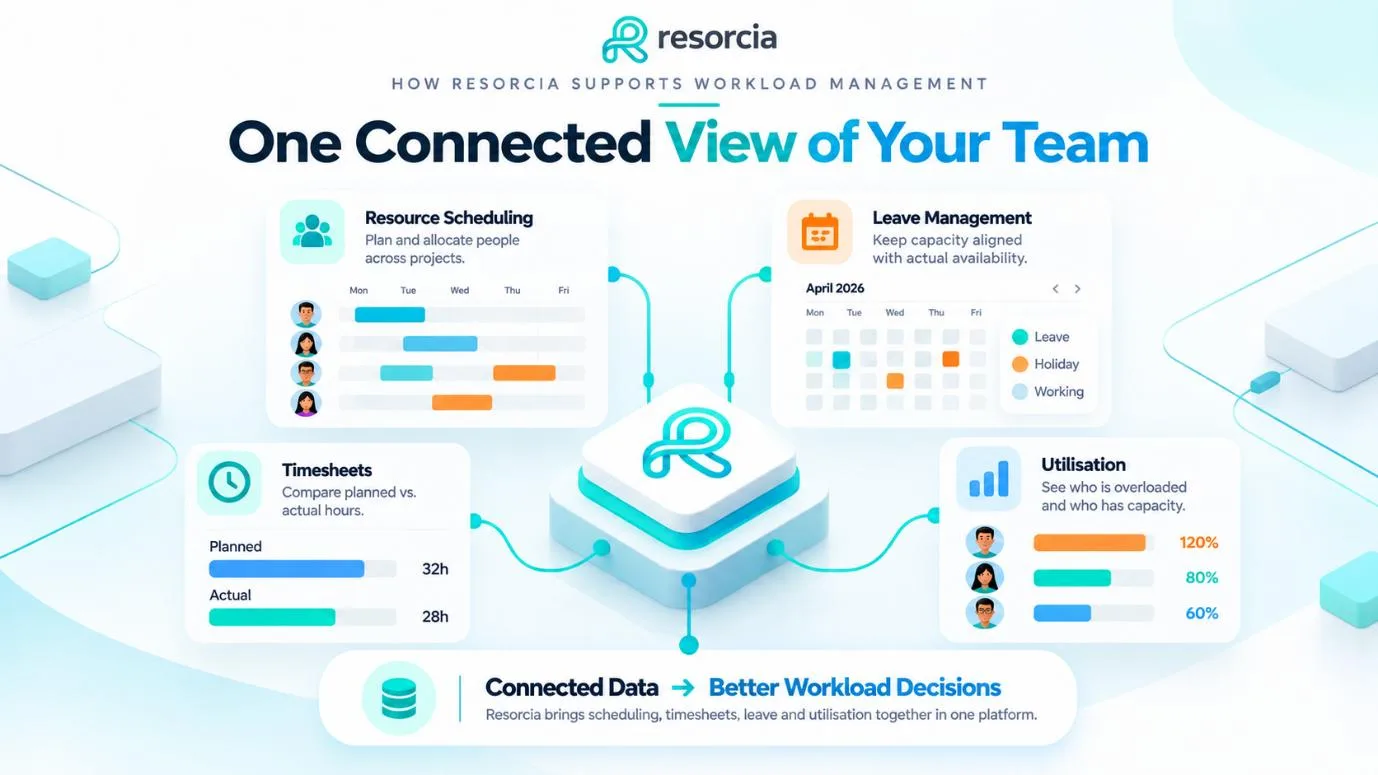
When a leave request is approved, it is immediately reflected in the resource view. When hours are logged against a project, utilisation figures update automatically. When a new project is added to the schedule, you can see its impact on team capacity before the work begins — not after the first deadline has already slipped.
For agencies and consultancies managing multiple clients simultaneously, this connected view is what makes the difference between reactive firefighting and confident forward planning.
Key capabilities:
- Resource scheduling — allocate people to projects and see the full team's workload in one view
- Leave management and holiday calendars — availability that reflects actual planned absence, not theoretical hours
- Timesheets and time tracking — planned versus actual hours so utilisation reporting reflects reality
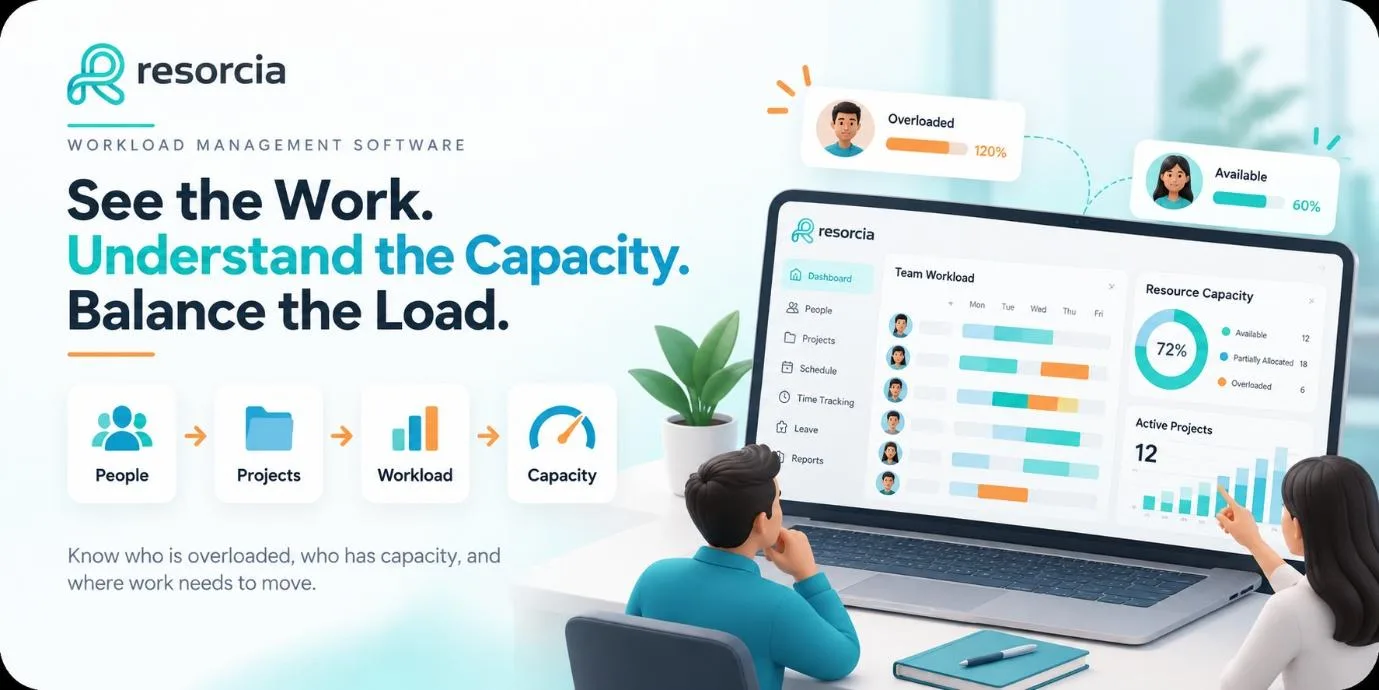
- Utilisation visibility — see who is overloaded, who has capacity, and where gaps are forming before they affect delivery
- Department-scoped permissions — the right people see the right information without everything being visible to everyone
Conclusion
Workload management software solves a problem that affects almost every project-based team — the gap between what managers think people are carrying and what they are actually carrying. That gap is where deadlines slip, where burnout builds, and where the same high performers end up overloaded while others have unused capacity.
The right platform does not create more work for managers. It makes visible what was always happening, so the decisions that affect delivery — who gets assigned, when work gets moved, where capacity is running short — are made on accurate information rather than assumptions.
For teams that have been managing workload in spreadsheets and status meetings, the shift to connected, real-time visibility is usually the single most impactful operational change available to them.
See how Resorcia gives project-based teams a clearer view of workload, capacity, and availability — all in one place.