Most teams only think about workforce planning when something has already gone wrong. A project is understaffed. A key person is unavailable at the worst possible moment. A new client is signed and nobody knows where the capacity is coming from.
That reactive cycle is expensive, and it is common. In the CIPD's Resourcing and talent planning report 2024, based on 1,016 UK respondents, 31% of organisations take a short-term approach (up to six months) when planning and taking action on current and future workforce requirements, while 18% are planning more than two years into the future.
The gap between what good planning produces and what most teams actually have in place is one of the most quietly expensive problems in project-based work. This guide walks through what the workforce planning process actually involves, how to run it practically, and what makes it work consistently rather than just on paper.
What Is the Workforce Planning Process?
The workforce planning process is how an organization makes sure it has the right people, in the right roles, with the right availability, at the right time. For project-based teams — agencies, consultancies, and delivery teams managing multiple clients simultaneously — that means connecting people availability to actual project demand rather than just tracking headcount.
Workforce planning is not the same as hiring planning. Hiring is one possible output of the process. The process itself is about understanding what your team can deliver, what demand is coming, and where the gaps are — so decisions get made before a problem arrives rather than in response to one.
For most agencies and consultancies, the right planning horizon is 12 to 18 months on a quarterly refresh cycle — long enough to make resourcing decisions that compound, short enough to stay credible.
Why the Workforce Planning Process Breaks Down
Before getting into the steps, it helps to understand where most teams get stuck.
The most common failure is treating workforce planning as a spreadsheet exercise done once a year. A plan that is not refreshed against actual project data, leave records, and utilization figures becomes irrelevant within weeks. Teams stop trusting it. Managers start making resourcing decisions based on memory and gut feel.
The second failure is disconnected data. Availability lives in one place, project allocations in another, leave in a third, and timesheets somewhere else entirely. When the information needed to make a resourcing decision is spread across five tools, planning takes so long that managers skip it and guess instead.
The third failure is confusing activity with planning. A schedule showing who is booked next week is not a workforce plan. A workforce plan shows whether your current team can absorb the projects in your pipeline over the next quarter, where utilization is at risk of tipping over, and what gaps you need to address before they become emergencies.
The Workforce Planning Process: Step by Step
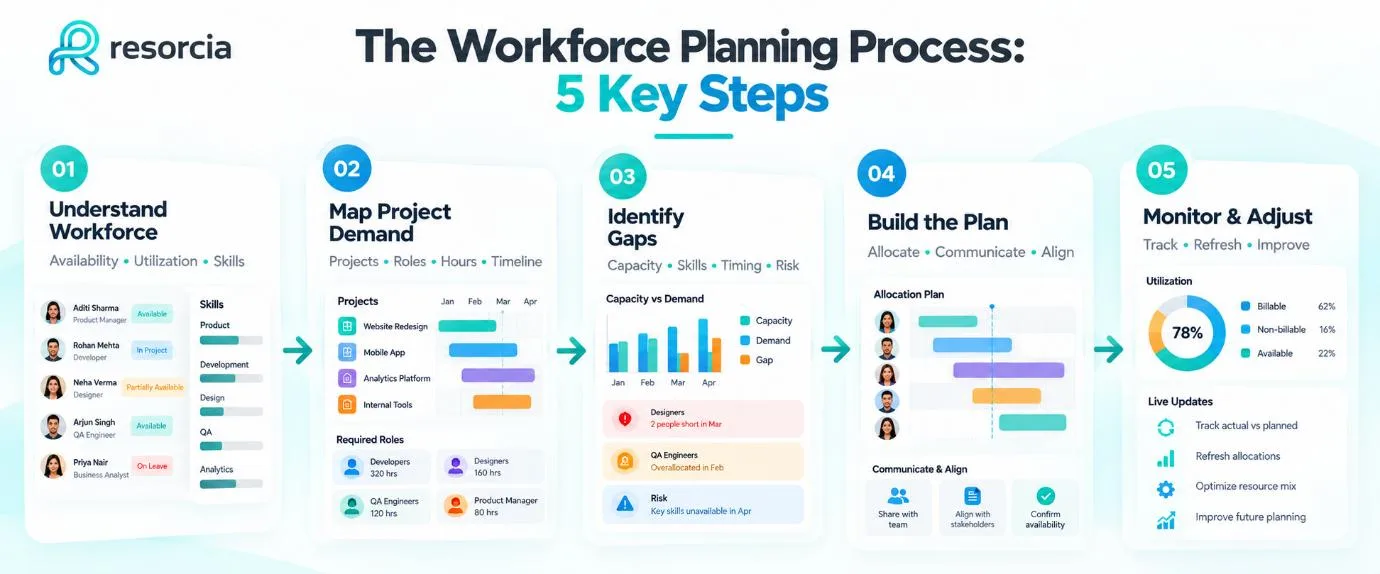
Step 1: Understand Your Current Workforce
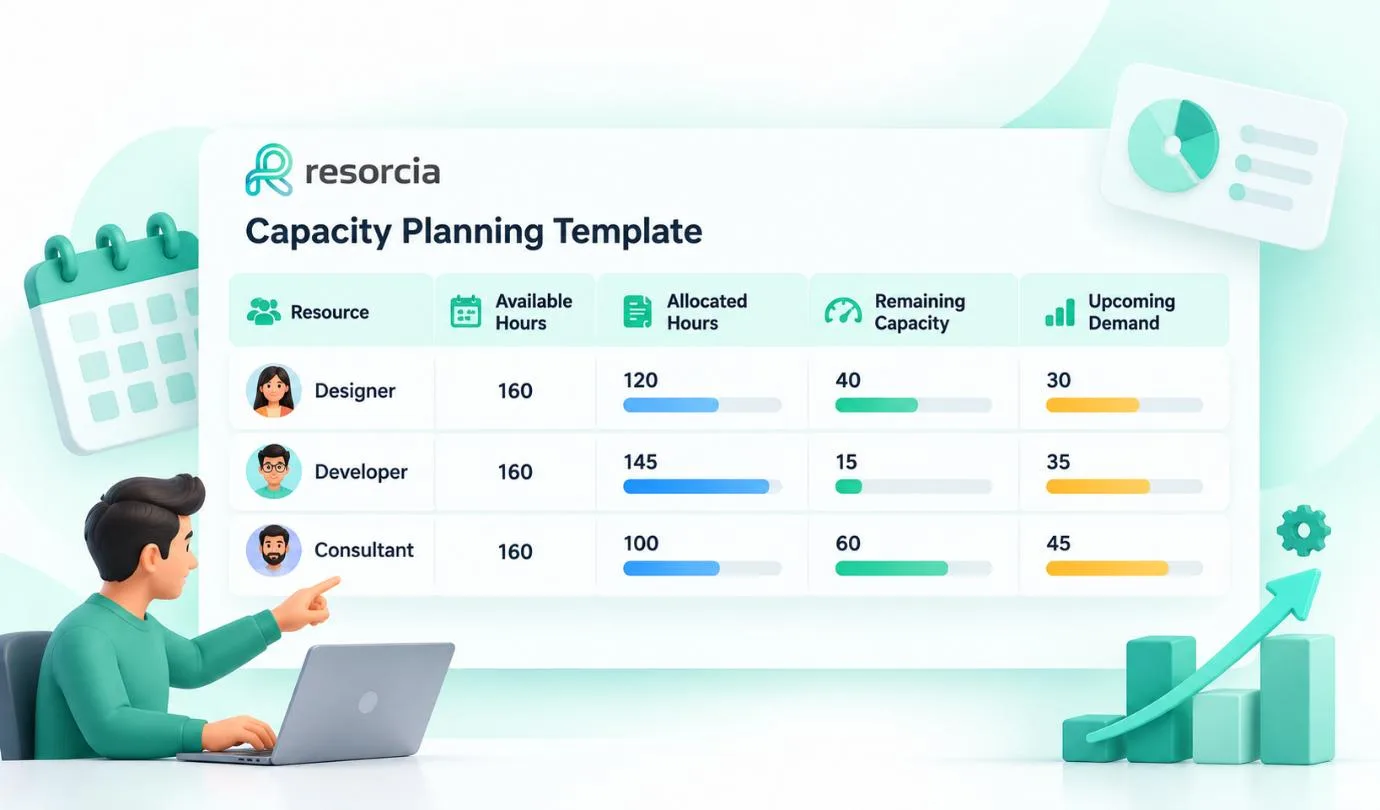
Start with an honest picture of who you have. Not just names and job titles — actual availability, current utilization, upcoming leave, and the skills each person brings to project work.
For project-based teams, this means knowing which people are fully booked, which have spare capacity, and which are technically available but about to go on leave or move between projects. Without this baseline, every other step in the workforce planning process is guesswork.
Step 2: Map Upcoming Project Demand
The second step is translating your project pipeline into resource requirements. Which projects are confirmed? Which are likely? What roles, skills, and hours does each one need, and across which time periods?
For agencies and consultancies, this step requires honest conversation with business development and account management. Demand that is not visible to operations cannot be planned for. Projects that appear in the pipeline late — after resourcing decisions have already been made — are the primary driver of overallocation and last-minute hiring.
Step 3: Identify the Gaps
With a clear view of current supply and projected demand, the next step is gap analysis — where the two do not match.
Gaps come in several forms. Capacity gaps: more demand than available hours. Skills gaps: available hours but not the right skills for the project. Timing gaps: the right person is available, but not during the window the project needs them. Risk gaps: one person carrying a disproportionate amount of critical project work with no backup.
Step 4: Build and Communicate the Plan
A workforce plan is only useful if the people who need to act on it can see it and trust it. That means the plan needs to be accessible, up to date, and expressed in terms that are relevant to the decisions each person needs to make.
For operations leads, that is a capacity view across the whole team and pipeline. For project managers, that is a view of who is allocated to their projects and who is available if they need to expand scope. For team members, that is visibility into their own bookings, upcoming assignments, and approved leave.
Step 5: Monitor, Refresh, and Adjust
The workforce planning process is not a document — it is a cycle. Plans need to be updated as projects move, as people join or leave, as demand shifts, and as utilization data comes in from actual work completed.
For most project-based teams, a monthly resourcing review against a quarterly plan is the right cadence. Weekly operational checks on bookings and availability keep the day-to-day picture accurate. The quarterly refresh ensures the plan stays connected to business reality rather than drifting into wishful thinking.
Common Workforce Planning Mistakes to Avoid
Most workforce planning processes fail for the same predictable reasons:
- Planning only for confirmed work and ignoring pipeline demand until it becomes certain — by which point resourcing options are limited
- Treating availability as binary — fully booked or fully available — rather than tracking actual utilization percentages against project allocations
- Disconnecting leave management from resourcing — planned leave that is not visible in the resource view creates allocation errors that only surface mid-project
- Reviewing the plan quarterly but updating it never — a plan that does not reflect current reality is worse than no plan, because it creates false confidence
- Managing workforce planning in spreadsheets that require manual updates, cannot reflect real-time changes, and break when someone edits the wrong cell
What Good Workforce Planning Looks Like in Practice
When the workforce planning process works well, it changes the texture of how a project-based business operates day to day.
Operations leads stop spending Monday mornings firefighting allocation conflicts. Project managers stop discovering mid-sprint that the person they need is already committed to another account. Senior leadership can look at the pipeline and the team simultaneously and have an honest conversation about what is deliverable and when.
The questions that used to require three people, two spreadsheets, and a meeting become answerable in seconds: who is available next month, who is overloaded right now, and do we have the capacity to take on the project currently in proposal stage?
That shift — from reactive to informed — is what the workforce planning process is supposed to deliver. It does not require a complicated system. It requires connected information and a consistent habit of using it.
How Resorcia Supports the Workforce Planning Process
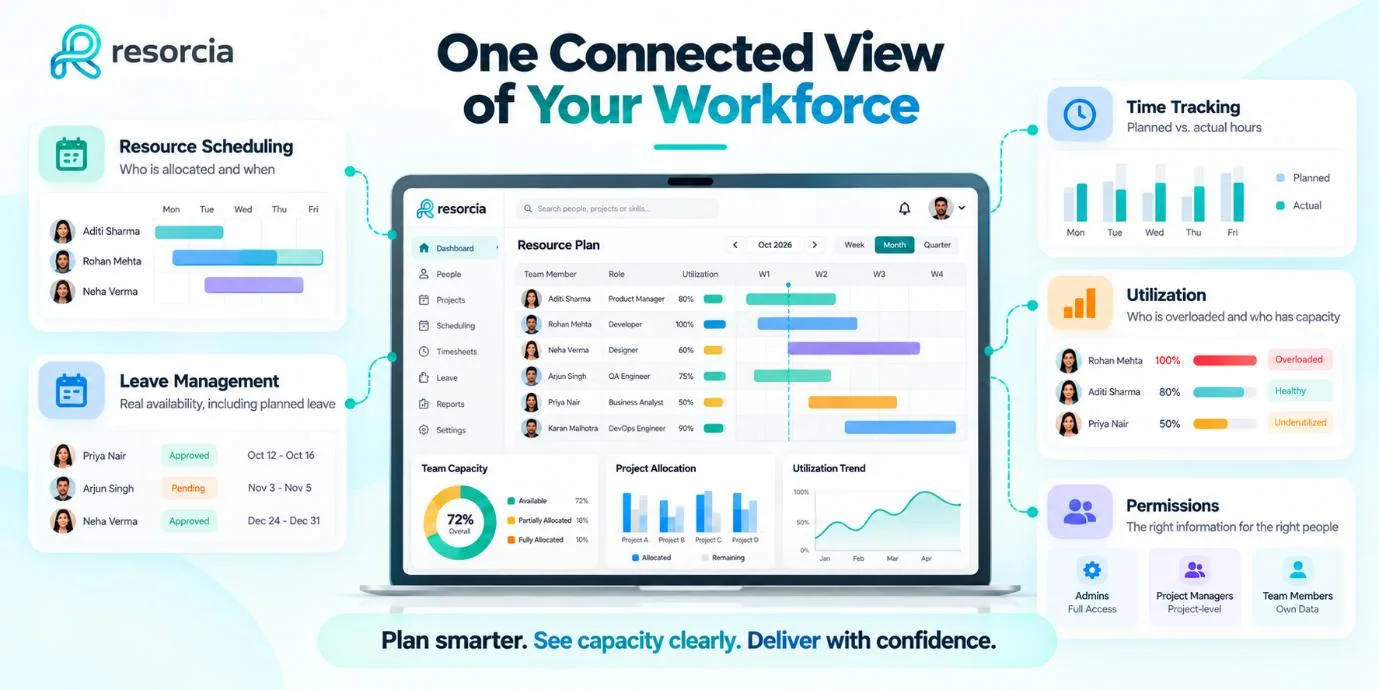
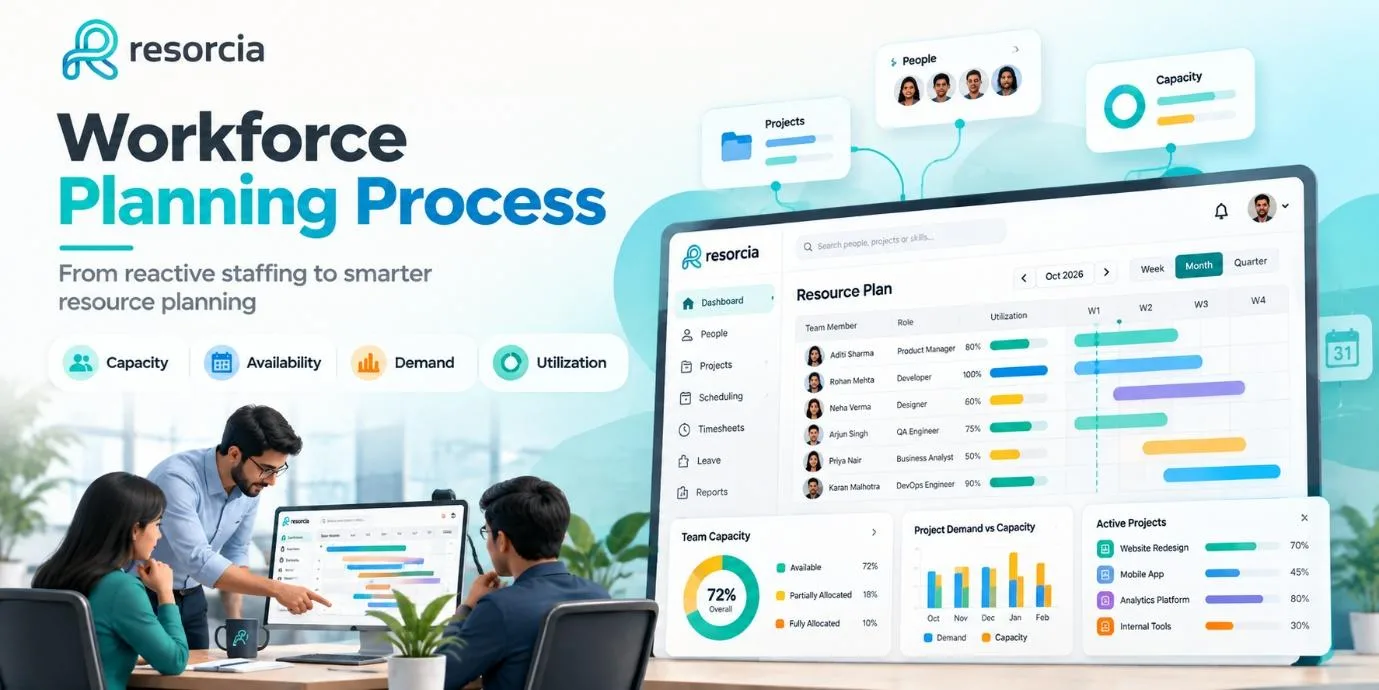
Resorcia is built for exactly the kind of teams that need workforce planning to work practically — agencies, consultancies, and project-based businesses where availability, allocations, leave, and utilization all need to live in the same place.
The platform brings together the information that makes workforce planning possible:
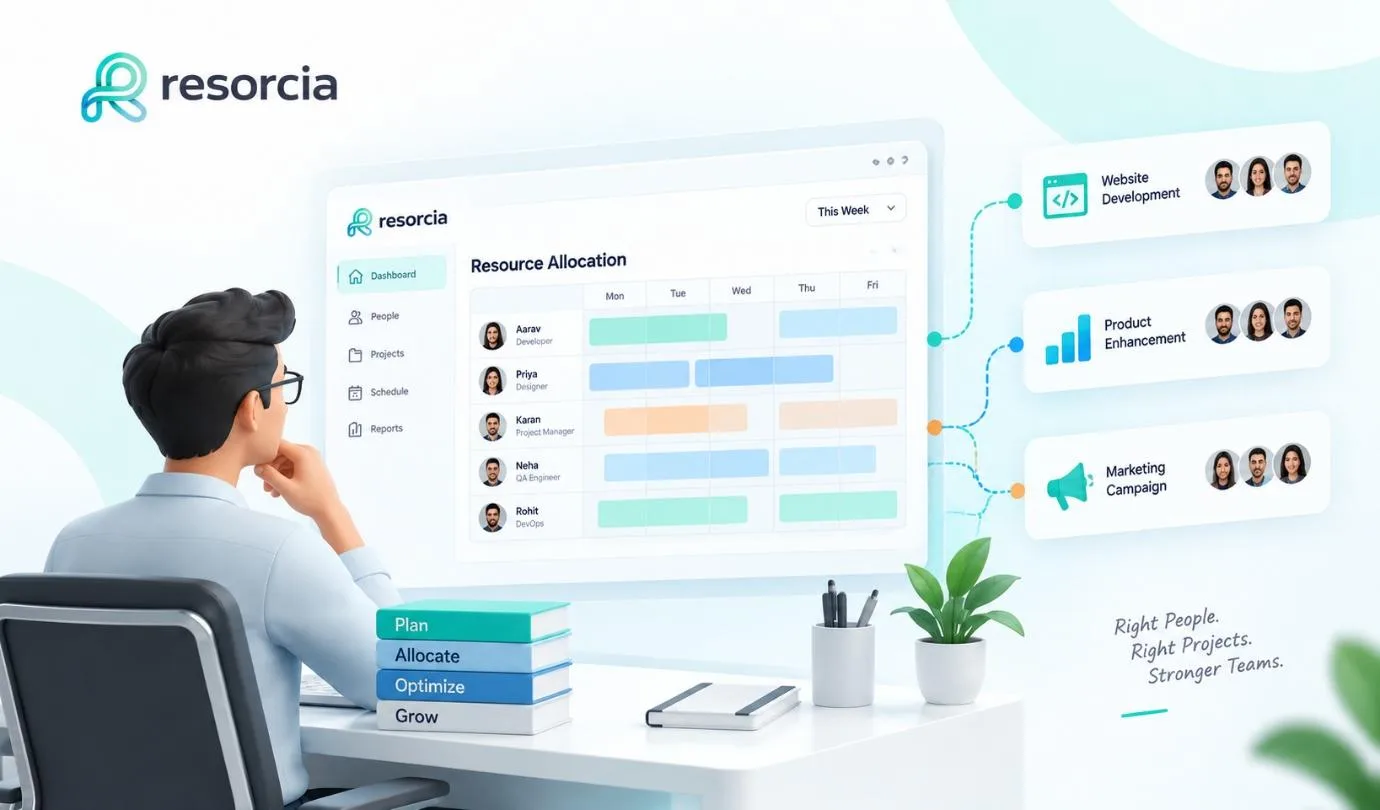
- Resource scheduling — see who is allocated, when, and to which projects across your whole team
- Leave management and holiday calendars — availability that reflects actual planned absence, not just theoretical hours
- Timesheets and time tracking — planned versus actual hours so utilization reporting reflects what really happened, not just what was booked
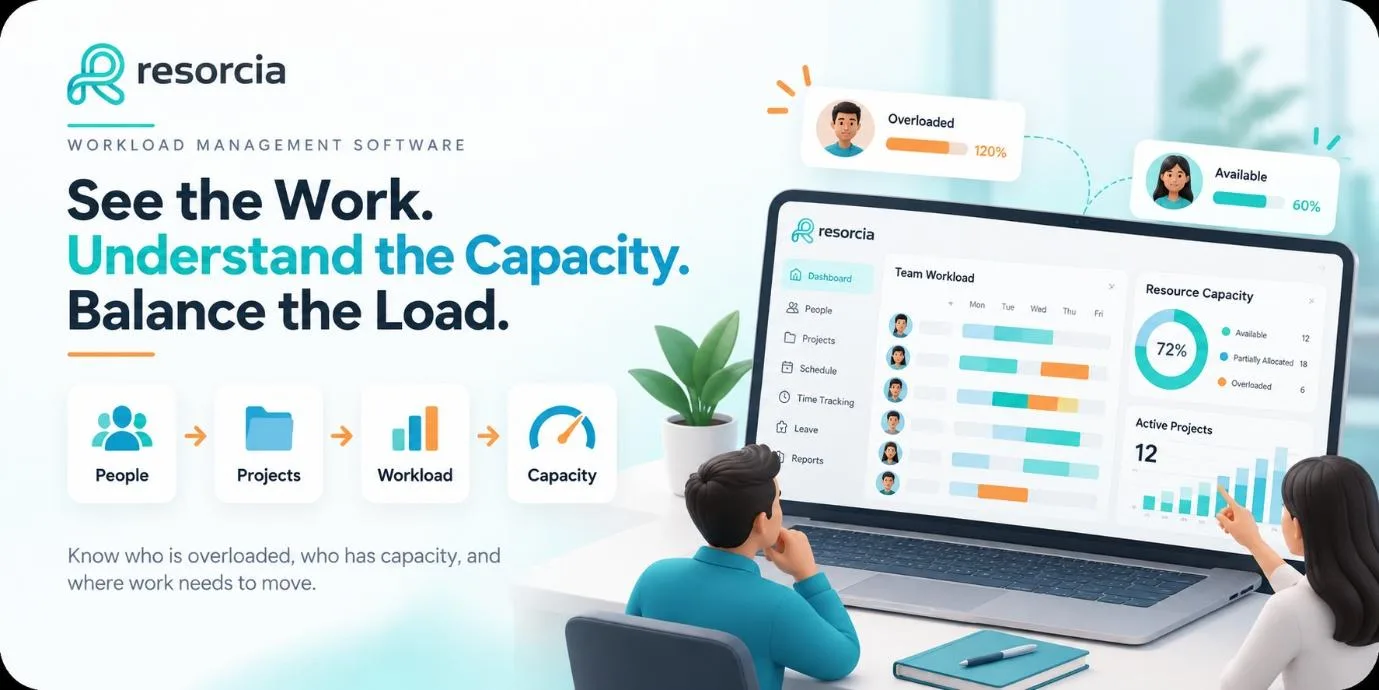
- Utilization visibility — see who is overloaded, who has capacity, and where the gaps are before they become problems
- Department-scoped permissions — the right people see the right information without everything being visible to everyone
When the information that drives workforce planning decisions lives in one connected place, the planning process itself becomes something teams can actually do — consistently, accurately, and without spending half a day assembling data from five different sources.
Conclusion
The workforce planning process does not need to be complicated. It needs to be honest, connected to real data, and refreshed often enough to stay useful.
For project-based teams, the payoff is straightforward: fewer allocation surprises, better visibility into what the team can realistically deliver, and earlier warning when demand is about to outpace capacity. That is not a strategic ambition — it is a practical operational outcome that makes every week run more smoothly than the one before.
The teams that plan well are not the ones with the most sophisticated frameworks. They are the ones with an accurate, shared view of who is available, who is overloaded, and where demand is heading — and the discipline to look at it regularly.
See how Resorcia gives project-based teams a clearer view of capacity, availability, and workload — all in one place.